Effortless Photo Background Changes: An In-Depth Guide to Using AI Tools
Table of Contents
-
Introduction
-
Understanding AI Background Removal
-
Top AI Tools for Background Editing
-
Step-by-Step Guide to Changing Backgrounds
-
Tips for Achieving Natural Results
-
Common Mistakes to Avoid
-
Future Trends in AI Photo Editing
In today’s digital world, altering a photo’s background has never been easier. Thanks to artificial intelligence, the process is now accessible for everyone, from hobbyists to professional photographers. Tools powered by AI make background swaps efficient and produce high-quality results, whether you want to elevate your social media images, enhance product shots, or simply have fun with creative edits. For anyone searching for an easy-to-use background changer, these advancements have opened up a realm of new possibilities.
AI technologies are revolutionizing digital photo manipulation by enabling users to easily recognize and separate subjects from backgrounds, streamlining the editing process. With modern AI background editors, users can perform tasks ranging from simple swaps to advanced changes, making sophisticated editing accessible to users of all skill levels. This democratization allows experimentation across diverse backgrounds while ensuring professional quality. Intuitive design and enhanced accessibility facilitate corrections and creative adjustments, making AI background editor tools essential for achieving polished photographic results.
Understanding AI Background Removal
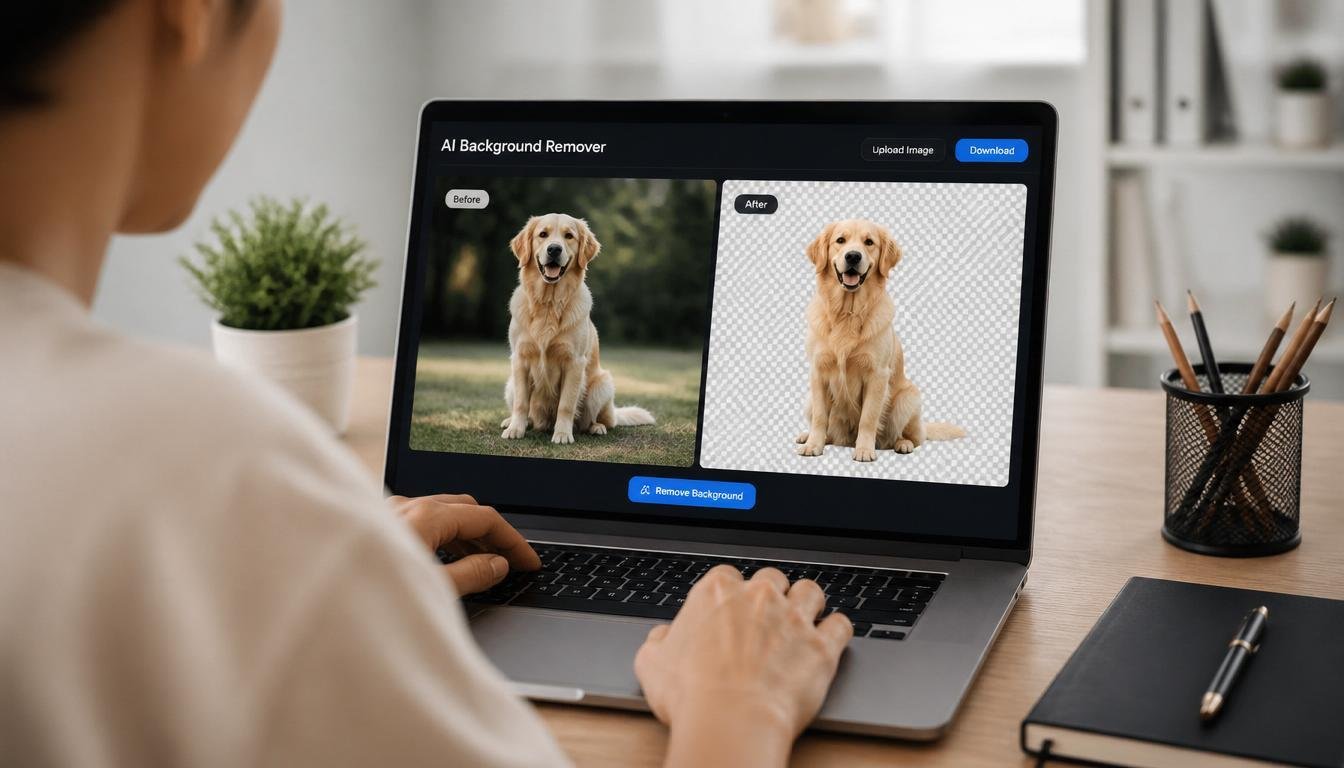
Artificial intelligence background removal relies on advanced machine learning algorithms that analyze a photo to distinguish the main subject from its background. These algorithms look for contrasts in color, texture, and even depth, eventually outlining the person or object you want to keep. Over the past few years, these techniques have improved significantly, allowing AI-powered tools to handle even the most intricate images with hair, animals, or complex patterns with impressive precision.
Top AI Tools for Background Editing
Several standout AI tools are available to streamline photo background editing:
-
Adobe’s Firefly: Perfect for businesses and creators, Firefly supports bulk editing and enables users to process thousands of images at once. This service helps e-commerce stores and content marketers save time while maintaining consistency across product photos.
-
Google Photos: Its redesigned photo editor offers features like ‘Reimagine’ and ‘Auto Frame,’ providing users with natural-looking edits and creative options using simple prompts. The power of Google’s cloud-based AI makes background changes straightforward and widely accessible.
-
Instagram’s Restyle: Users can now tap into AI-driven presets and text prompts to rapidly modify images or videos, blending backgrounds and styles with ease. This is especially beneficial for influencers and brands seeking dynamic visual storytelling.
Step-by-Step Guide to Changing Backgrounds
Changing a background using AI does not require advanced technical skills. Most editors today offer an intuitive workflow. Here is a simple guide to get started:
-
Select Your Tool: Choose an AI-powered platform based on your needs, such as for bulk editing or simple one-off changes.
-
Upload Your Image: Import the photo into your selected tool and prepare it for editing.
-
Remove the Background: Use the automatic background remover to outline your main subject and remove the existing background.
-
Choose a New Background: Select a template or upload your background photo to set the new scene.
-
Adjust and Save: Tweak lighting, color, and shadows to create a seamless composite before saving your finished image.
Tips for Achieving Natural Results
-
Lighting Consistency: Match the lighting of the new background to the original subject to avoid unrealistic results. Many AI editors let you manually adjust brightness and contrast for a perfect fit.
-
Shadow Alignment: Check the direction and intensity of shadows. Adjust accordingly to ensure they do not clash with the new environment.
-
Edge Refinement: Use fine-tuning tools to soften or sharpen edges around your subject. This avoids noticeable cutouts and delivers a polished appearance.
Common Mistakes to Avoid
-
Ignoring Perspective: If the subject and new background are taken from different angles, the results can look artificial. Adjust layers or use perspective controls when available.
-
Overlooking Color Balance: Ensure your subject does not appear warmer, cooler, or differently toned than the background. Most editors provide color grading or blending tools to help.
-
Using Low-Quality Images: Start with high-resolution files. Poor-quality inputs make it hard for AI models to accurately separate subjects, leaving artifacts behind.
Future Trends in AI Photo Editing
The next evolution in AI-driven photo editing will focus on more natural blending, automation, and integration with new media formats. Expect more intuitive user interfaces that require less manual adjustment along with real-time editing capabilities for videos and interactive media. As these technologies advance, users will see deeper integration with social media and commerce platforms, making photo background changes an everyday creative tool.
Whether you are a business optimizing product images or an individual seeking striking photos for personal use, AI-powered editors offer scalable solutions and consistently impressive results. Embrace these tools to expand your creativity and produce standout visuals with ease.